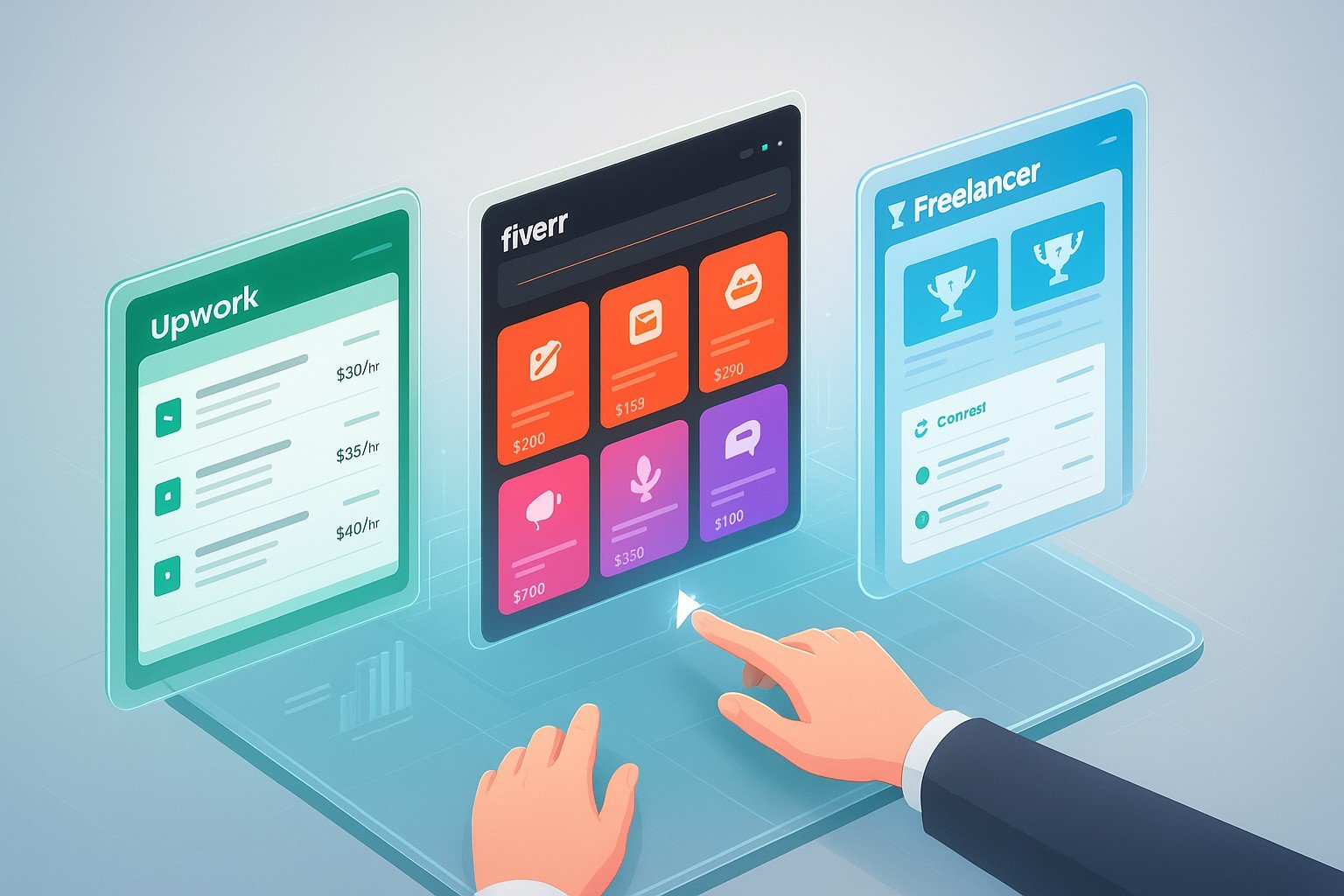
Freelance job platforms are online marketplaces that connect independent contractors (freelancers) with clients who need specific services. They handle job listings, proposals or gigs, contracts, payments, and dispute resolution — acting as the infrastructure layer between talent and opportunity. The three largest in 2026 are Upwork, Fiverr, and Freelancer.com.
What Are Freelance Job Platforms?
A freelance job platform is an online marketplace that sits between skilled professionals and the businesses or individuals who need their services. Instead of cold-emailing strangers or relying entirely on word-of-mouth, you create a profile on a platform and gain instant access to thousands of freelance job opportunities from clients around the world.
The best platforms in 2026 handle everything from job discovery and proposal submission to secure payment, contract management, and dispute resolution — giving both sides protection and peace of mind on every transaction.
Why Use a Freelance Job Platform?
- ✅ Instant client access — thousands of active job postings daily
- ✅ Secure payments — escrow systems protect you from non-payment
- ✅ Built-in trust signals — reviews and ratings replace cold referrals
- ✅ Contract infrastructure — no need for expensive legal templates
- ⚠️ Platform fees apply — each platform takes a cut of your earnings
- ⚠️ Competition exists — you compete with global talent on price and quality
Not sure if freelancing is right for you yet? Read our Complete Beginner's Guide: What Is a Freelance Job? before choosing a platform.
Upwork: Features & Fees (2026 Review)
Upwork is the world's largest freelance job platform by revenue, connecting over 18 million freelancers with 5 million clients globally. Unlike Fiverr's gig model, Upwork is proposal-based — clients post jobs, and freelancers submit tailored proposals to compete for them.
Upwork Key Features
- Hourly & fixed-price contracts — flexibility for any project type
- Time Tracker app — screenshots and activity logs for hourly billing protection
- Upwork Payment Protection — escrow for fixed-price; hourly billed weekly
- Talent Scout — Upwork proactively matches top freelancers to enterprise clients
- Project Catalog — a Fiverr-style gig feature now available on Upwork
- Connects system — virtual tokens required to submit proposals (free allowance monthly)
Upwork Fees & Pricing (2026)
Upwork Pros & Cons
✅ Pros
- Largest pool of high-paying enterprise clients
- Strong payment protection (hourly + fixed)
- Long-term contracts build stable income
- Talent Badges boost visibility (Rising Talent, Top Rated, Expert-Vetted)
- Lower fee (10%) than Fiverr's 20%
❌ Cons
- Proposal-writing is time-consuming for beginners
- Highly competitive in popular categories
- Connects system limits free proposals per month
- Account approval can be slow for some regions
- Requires strong portfolio to win early projects
🏆 Upwork verdict: Best for experienced professionals seeking long-term clients, hourly contracts, or high-value fixed projects. If you can write a strong proposal and have a solid portfolio, Upwork offers the highest earning potential of any mainstream freelance job platform.
Fiverr: Features & Fees (2026 Review)
Fiverr pioneered the gig economy model — instead of applying to job posts, you create a gig (a pre-packaged service listing) with a defined scope, delivery time, and price. Buyers browse, compare, and purchase directly. This passive model makes Fiverr particularly powerful for beginners who want inbound leads without writing proposals.
Fiverr Key Features
- Gig packages — Basic / Standard / Premium tiers to upsell naturally
- Gig Extras — add-on services buyers can purchase at checkout
- Fiverr Pro — verified expert tier for hand-vetted top professionals
- Fiverr Business — dedicated portal for teams and enterprise clients
- Seller Levels — New Seller → Level 1 → Level 2 → Top Rated Seller
- Quick Response rate — algorithm rewards fast replies with better placement
Fiverr Fees & Pricing (2026)
Fiverr Pros & Cons
✅ Pros
- Passive inbound model — no proposals required
- Fastest path to first sale for complete beginners
- Clear gig packages make pricing transparent
- Fiverr Pro earns premium rates from vetted enterprise clients
- Massive buyer traffic — 4+ million active buyers
❌ Cons
- 20% commission is the highest of the three platforms
- 14-day funds clearance delays cash flow
- Race-to-the-bottom pricing in saturated categories
- Algorithm-dependent — ranking drops if response rate or reviews dip
- Less suited to hourly or long-term retainer work
🥈 Fiverr verdict: Best for beginners, creatives, and anyone offering clearly defined, repeatable services. The passive model is a massive advantage early on — but budget for the 20% cut and plan to move toward Fiverr Pro or direct clients as you scale.
Freelancer.com: Features & Fees (2026 Review)
Freelancer.com is one of the oldest freelance job platforms, with over 70 million registered users across 247 countries. Like Upwork, it uses a bid-based model where freelancers apply to posted projects. It also offers a unique contest feature — clients post design briefs and award payment to the winning submission — useful for designers building portfolios quickly.
Freelancer.com Key Features
- Project bidding — classic proposal model similar to Upwork
- Contests — clients offer prize money for best design/copy submission
- Milestone payments — split large projects into staged payments
- Recruiter feature — clients can headhunt freelancers directly
- Freelancer Preferred — vetted tier for top performers
- Local Jobs — option to filter for in-person work in your city
Freelancer.com Fees & Pricing (2026)
Freelancer.com Pros & Cons
✅ Pros
- Largest number of registered users globally
- Contests are great for portfolio-building with real briefs
- Lower entry barrier than Upwork for new freelancers
- Strong presence in emerging markets (Asia, Africa, LATAM)
- Hourly projects available alongside fixed-price
❌ Cons
- Very high competition — many low-rate bidders from low-cost countries
- $5 minimum fee makes small projects disproportionately costly
- Interface feels dated compared to Upwork and Fiverr
- More scam postings than competitors (always verify clients)
- Limited bid allowance on free plan (8 bids/month)
🥉 Freelancer.com verdict: A solid supplementary platform, especially for designers who want contest experience and portfolio pieces. Not recommended as your primary platform in 2026 due to price competition and quality variance — but worth maintaining a presence alongside Upwork or Fiverr.
Side-by-Side Comparison: Upwork vs Fiverr vs Freelancer (2026)
Here is the complete feature and fee comparison of the three major freelance job platforms for 2026 — designed to help you choose the right platform for your situation in seconds:
| Feature | 🟢 Upwork | ⚫ Fiverr | 🔵 Freelancer.com |
|---|---|---|---|
| Model | Proposal-based (apply to jobs) | Gig-based (clients buy from you) | Bid-based + contests |
| Freelancer Fee | 10% flat | 20% per order | 10% or $5 min |
| Client Fee | 5% | 5.5% + $2.50 (under $40) | 3% or $3 |
| Membership Cost | Free | Free | Free / $4.95 / $9.95/mo |
| Contract Types | Hourly + Fixed-price | Fixed-price (mainly) | Hourly + Fixed-price |
| Payment Protection | ✅ Strong (escrow + hourly) | ✅ Good (escrow) | ⚠️ Moderate (milestone) |
| Best For | Long-term clients, high rates | Quick sales, packaged services | Contests, entry-level projects |
| Beginner Friendly | ⭐⭐⭐ | ⭐⭐⭐⭐⭐ | ⭐⭐⭐⭐ |
| Earning Potential | ⭐⭐⭐⭐⭐ | ⭐⭐⭐⭐ | ⭐⭐⭐ |
| Competition Level | High (quality-focused) | High (price-focused) | Very High (price-focused) |
| Withdrawal Speed | Instant to 5 days | 14 days after delivery | Instant to 5 days |
| Hourly Contracts | ✅ Yes | ❌ Limited | ✅ Yes |
| Enterprise/Pro Tier | ✅ Expert-Vetted | ✅ Fiverr Pro | ✅ Freelancer Preferred |
| Overall Score | 9.1 / 10 | 8.6 / 10 | 7.2 / 10 |
💡 Strategy tip: Most successful freelancers use two platforms simultaneously — typically Upwork for long-term clients and Fiverr for quick project income — while building a direct client pipeline over time. Once you earn $2,000+/month from direct clients, platform fees matter far less.
Which Freelance Job Platform Is Best for Beginners?
If you are just starting out, choosing the right freelance job platform can make the difference between landing your first client in a week versus struggling for months. Here is our beginner-specific breakdown:
Fiverr
The passive inbound model means you create your gig once and clients come to you — no proposal writing, no "Connects" budget, no rejection emails. Once your gig is live and optimised, even a brand-new account can land its first order within 48–72 hours. The 20% fee stings, but for beginners the speed of first income is more valuable than fee optimisation.
- ✅ No proposal budget needed
- ✅ Fastest path to first sale
- ✅ Clear package structure teaches you to price confidently
Upwork
Upwork requires more upfront effort — a complete profile, a well-written bio, and strong proposals — but the payoff is access to a deeper pool of serious, higher-paying clients. Beginners who invest in learning proposal writing and niche selection can land quality projects within 2–3 weeks.
- ✅ Higher-quality, better-paying clients
- ✅ Rising Talent badge available quickly for active new accounts
- ⚠️ Requires proposal writing skill upfront
Freelancer.com
Best as a backup platform for beginners in highly competitive categories. The contest feature is particularly useful for designers who want to win real portfolio pieces — you enter for free and only "pay" with your time.
- ✅ Contests build portfolio without guaranteed payment risk
- ⚠️ Higher price competition makes early rates very low
- ⚠️ Free plan limits bids to 8/month
Which Freelance Job Platform Pays More?
The honest answer is: it depends on your skill level and strategy. But here's how the platforms stack up on actual earning potential when you account for fees, client quality, and realistic income timelines:
💰 Highest Earning Potential
Upwork
Upwork's enterprise client pool, long-term contract model, and lower 10% fee mean experienced freelancers consistently earn more here than on any other mainstream platform. Top-Rated freelancers report $5,000–$20,000+ per month.
⚡ Fastest First Income
Fiverr
Fiverr's passive model means quicker first sales — but the 20% fee and 14-day clearance slow net income. High-volume Fiverr sellers in writing, design, and voiceover do extremely well, but it takes consistent reviews to climb the algorithm rankings.
📊 Supplementary Income
Freelancer.com
Earning potential on Freelancer.com is more modest due to price competition and the $5 minimum fee eating into small projects. Best used as a supplementary channel rather than a primary income source in 2026.
Want to explore what types of work pay best across all platforms? Read our guide on Remote Freelance Jobs: 12 High-Paying Categories →
FAQ About Freelance Job Platforms
Here are the most frequently asked questions about the top freelance job platforms in 2026.
Which freelance job platform is best for beginners in 2026?
Fiverr is the best starting platform for beginners because its gig model means clients come to you — no proposal writing required. Create a well-optimised gig with a clear service offering, competitive entry price, and strong visuals, and you can land your first order within a few days of going live.
How much does Upwork charge freelancers?
Upwork charges a flat 10% service fee on all earnings from clients. This replaced the previous tiered system. Clients also pay a separate 5% marketplace fee. So on a $1,000 project, you would receive $900 after Upwork's cut.
How much does Fiverr charge freelancers?
Fiverr charges a flat 20% commission on every order. If you sell a $100 gig, you keep $80. There are no monthly membership fees for sellers, but the 20% cut is the highest among the three major platforms compared here.
What is the difference between Upwork and Fiverr?
Upwork is proposal-based — you browse job posts and apply with custom proposals. It suits long-term contracts and hourly work. Fiverr is gig-based — you create service listings and clients purchase directly without you applying. It suits fixed-scope, repeatable services and faster first sales.
Which freelance platform pays the most in 2026?
Upwork offers the highest earning potential due to its enterprise client pool, hourly contract model, and lower 10% fee. Expert-level freelancers on Upwork regularly earn $8,000–$20,000+ per month. For the absolute highest per-hour rates, Toptal (accepts top 3% only) surpasses all three platforms reviewed here.
Is Freelancer.com worth using in 2026?
Freelancer.com is worth using as a secondary platform in 2026, particularly for designers who want to enter contests and build portfolio pieces with real client briefs. As a primary platform, it is less competitive than Upwork or Fiverr due to intense price competition and interface limitations. Maintain a presence but don't rely on it exclusively.
Continue Your Freelance Journey
Ready to start earning?
Create your free account on the best freelance job platform for your skill and start landing clients today.
Already have an account? Browse all our Online Jobs guides →